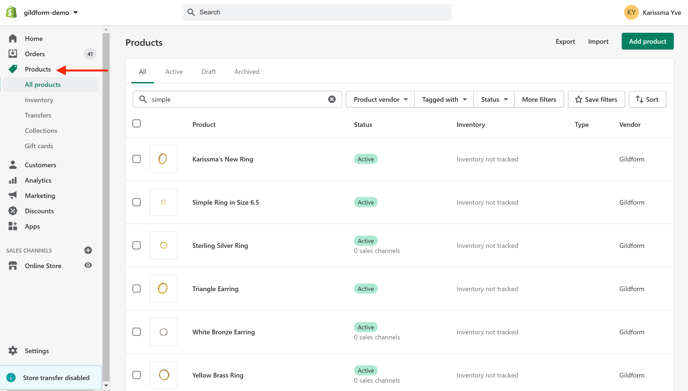
To edit your products in Shopify, sign in to your Shopify account and click on Products in the left navigation bar.
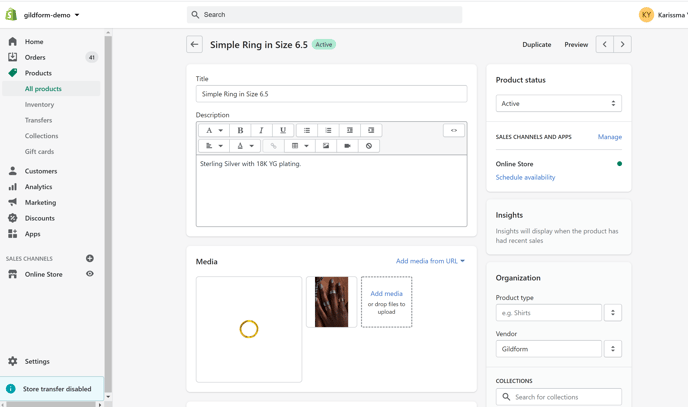
Search and click on the product you want to edit. You can edit your product's details, add images and descriptions.
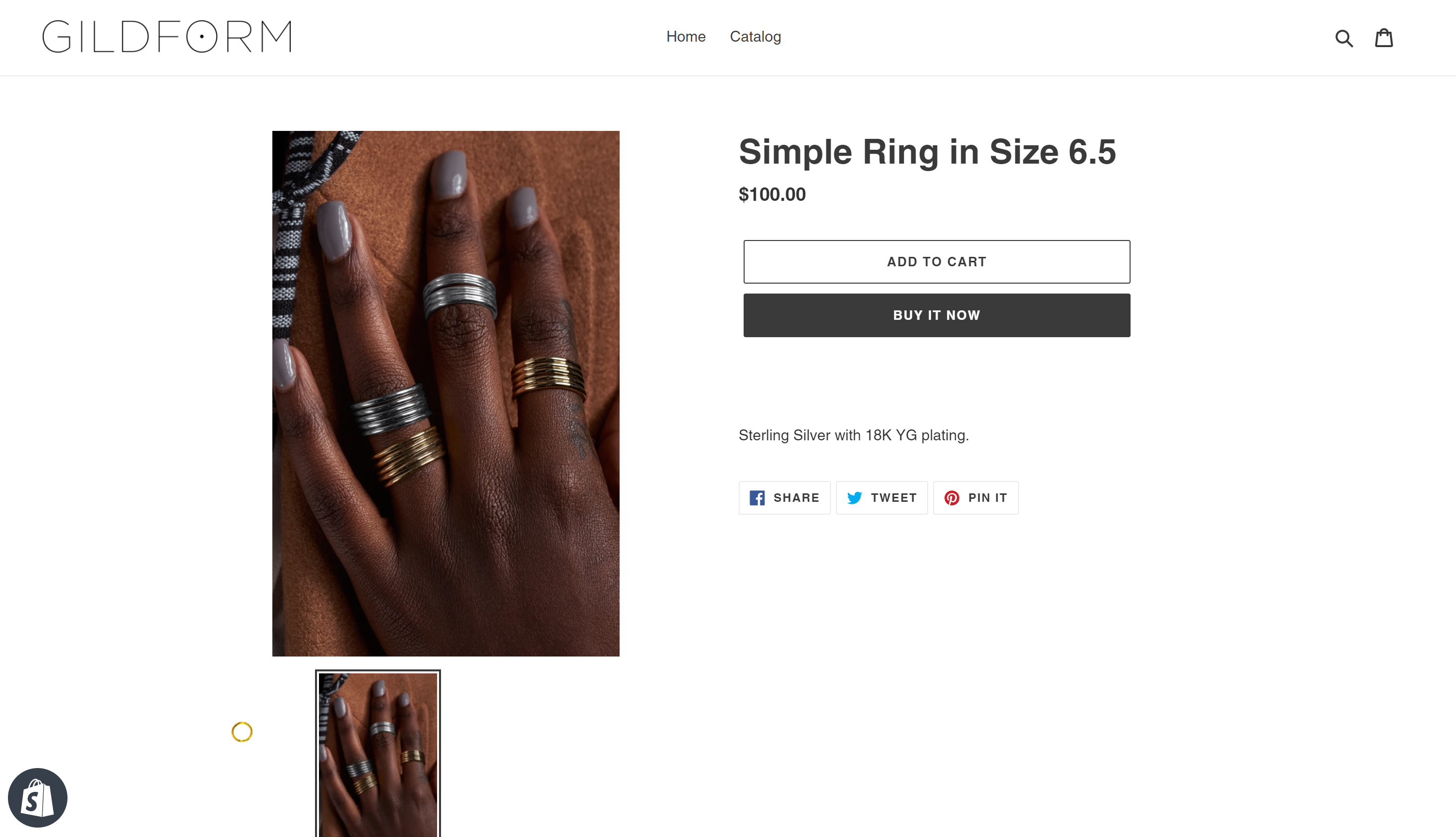
 After clicking save, you can view your final result in the catalog.