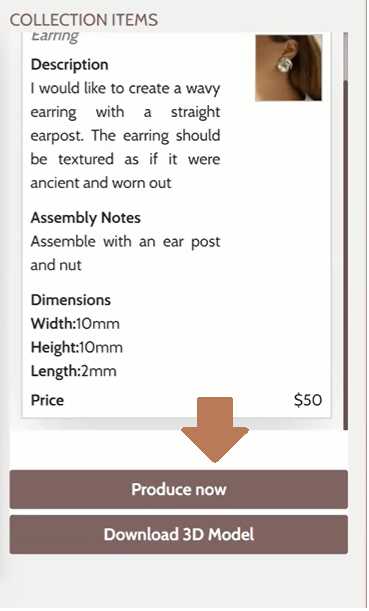
- When you click the "Produce now" button you will be re-directed to your Gildform account
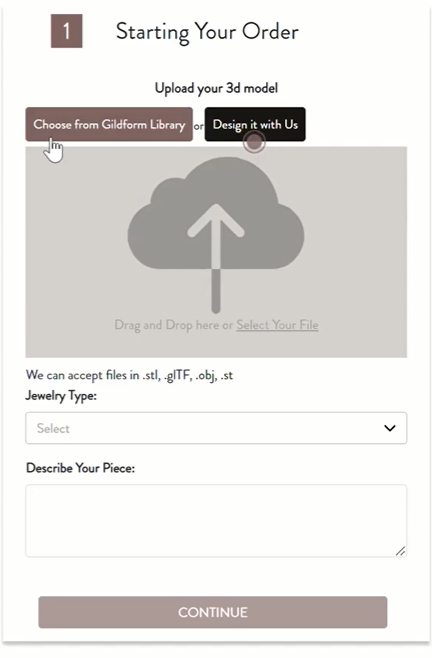
- On your Gildform account just click "Choose from Gildform Library"
- On the Library once the Designer has uploaded the Model you will be able to select it from here
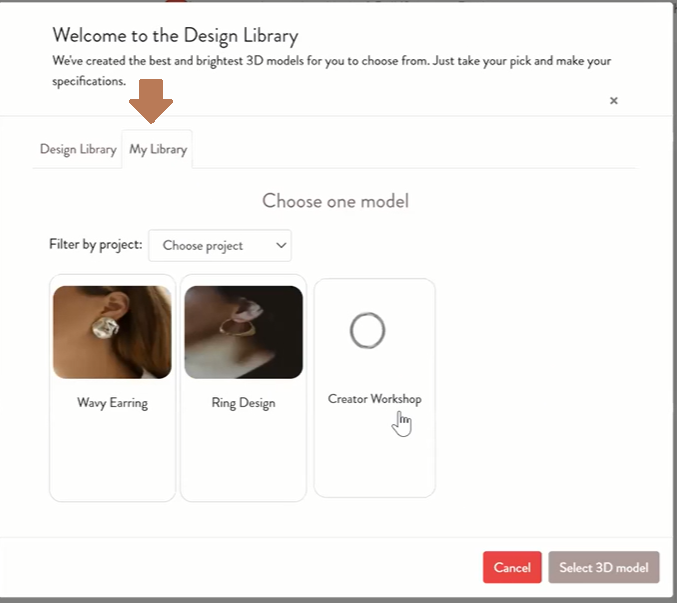
- Once the Design has been created in the marketplace you will always be able to access it.